
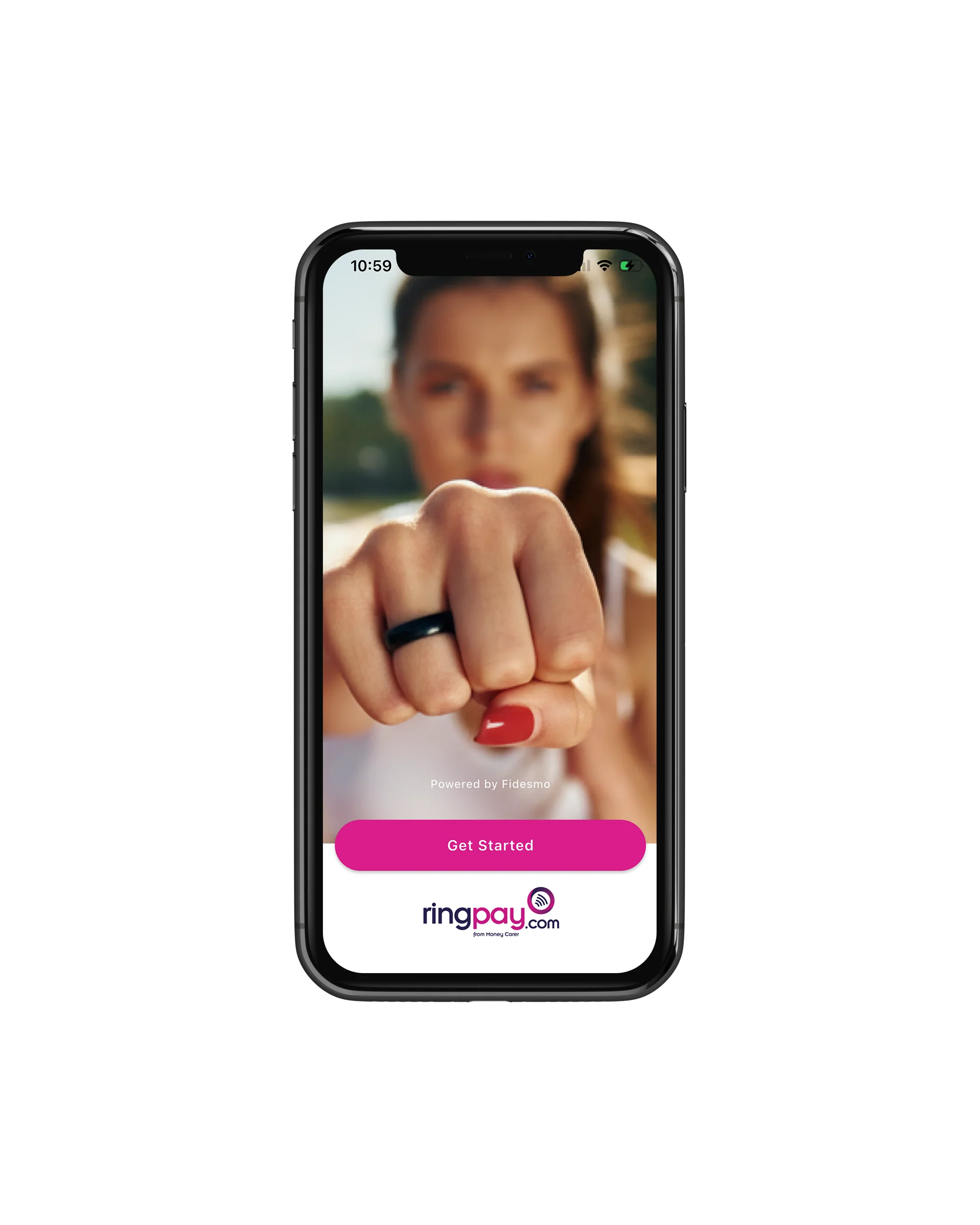
1: Download the RingPay App.
This allows you to link your payment card directly, if you bank is supported already - you can check here
If it is not supported directly yet,you’llneed to download the free Curve App.
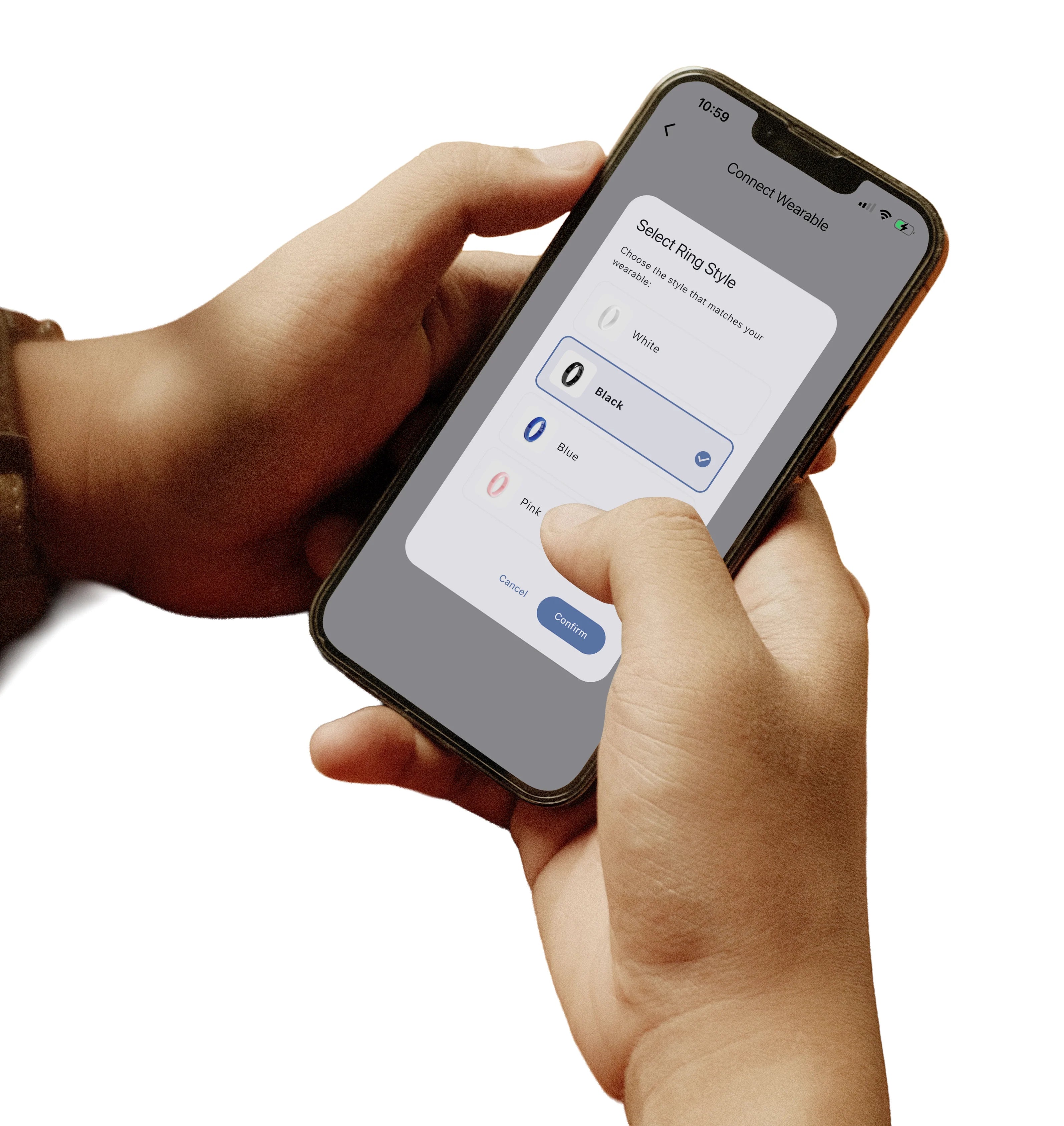
2: Get set up with RingPay.
Once you’ve downloaded the RingPay app, start by tapping the “MyWearable ”option and follow the steps to connect your wearable to your account. Top tip – it may help to take your phone case off, as some cases can interfere with the NFC pairing process.
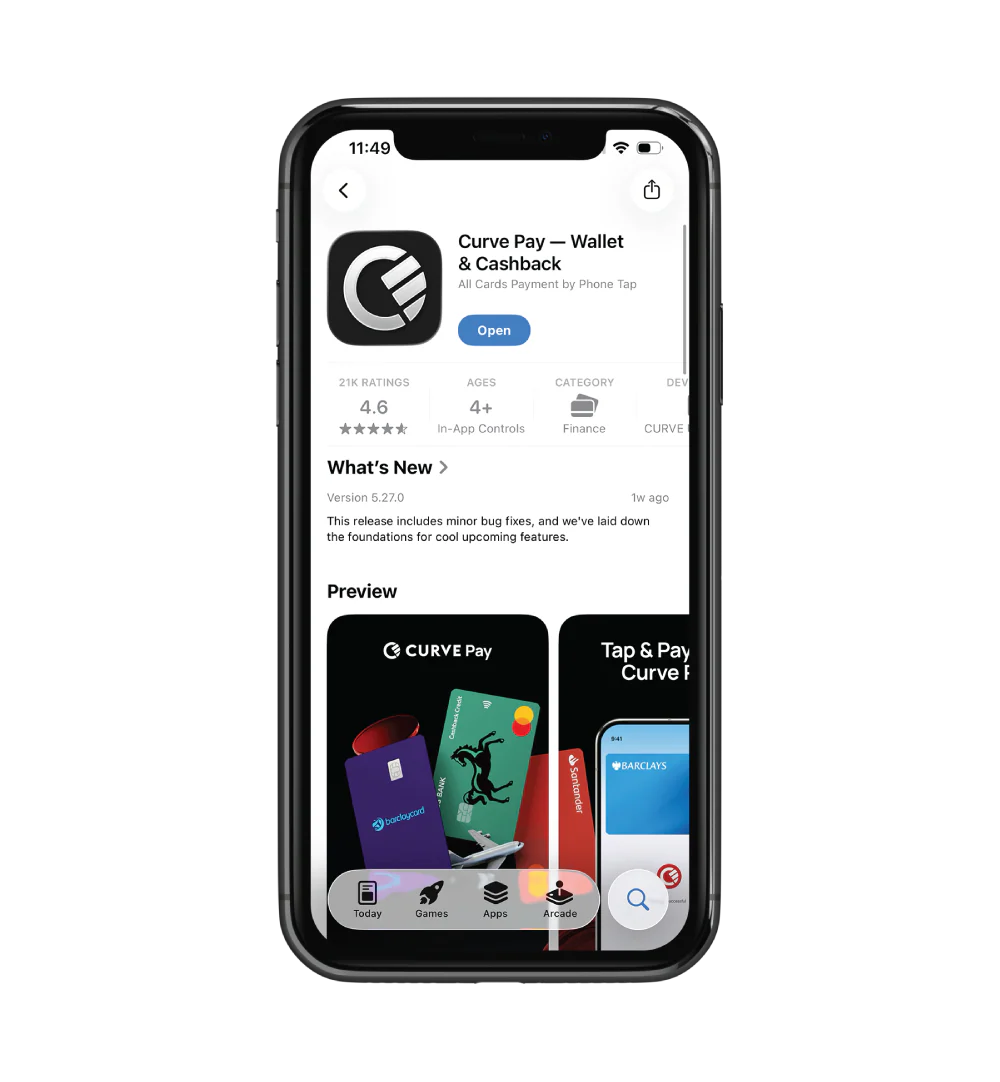
Step 3: Download the Curve App (if required)
As mentioned in Step 1, if your bank isn’t supported directly yet, you’ll need to download the free Curve app.
Once you’ve downloaded Curve, set up your account. You may need to verify your identity using a passport or driving licence. After your account is created, you’ll connect your virtual Curve card to the RingPay app. This allows your Payment Ring to link securely to your bank card.
To find your Curve card details, open the Curve app, tap the Launchpad icon, and go to Account. You can link your Curve card to any of the bank accounts or cards you’ve added within the Curve app. This is useful if you want to switch cards — for example, when travelling. It’salso highly secure, as your actual bank card details are never shared during payments. Instead, a secure digital token is used. This process is called tokenisation.

Simply Tap to Pay.
The NFC antenna of your Payment Ring or Bracelet is located around the edge — when paying, make a fist as shown, so that the side of the ring taps the payment terminal, and hold for about 3 seconds. When using a bracelet, tap and hold for about three seconds, the area that has the "Touch from Money Carer" against the payment terminal.
If you run into any issues or have questions, our friendly customer service team is here to help at info@moneycarer.eu